PaidSeal vs Zoho Invoice: Which Should You Pick? (2026)
Updated
Zoho Invoice is the better choice if you bill in a country its payment gateways already cover, you are happy inside the Zoho ecosystem, and you want to pay nothing: its free tier genuinely includes invoices, estimates, reminders and a client portal. PaidSeal is the better choice if you need to be paid by a method Zoho does not support, such as Venmo, Cash App, Zelle, a local bank deposit or mobile money like M-Pesa and MTN MoMo, or if you want an invoice drafted from one spoken or typed sentence. Both let you create and send professional invoices for free.
Where Zoho Invoice is the stronger pick
We would rather tell you this than have you discover it after paying. Zoho Invoice has a free tier that is unusually complete for free software: invoices, estimates, automated reminders, a customer portal, expense capture and reports, with no monthly charge. If your clients pay by card or bank transfer in a country Zoho supports, and nothing in the list below applies to you, it will do the job and you will not need PaidSeal.
Zoho also brings something we do not: a very large, long-established suite around it. If you already run Zoho CRM or Books, keeping invoicing in the same account is a real advantage, and switching to anything else costs you that integration.
Where PaidSeal is the stronger pick
The payment method your client actually uses. This is the difference that matters most. Zoho routes payments through a fixed list of gateways. PaidSeal adds card, bank transfer and PayPal to Venmo, Cash App and Zelle, plus mobile money such as M-Pesa, MTN MoMo and Orange Money, and it lets you describe any other method in a sentence and turns that into something a client can pay. If you have ever taken a payment outside your invoicing tool because the tool had no option for it, that is the gap.
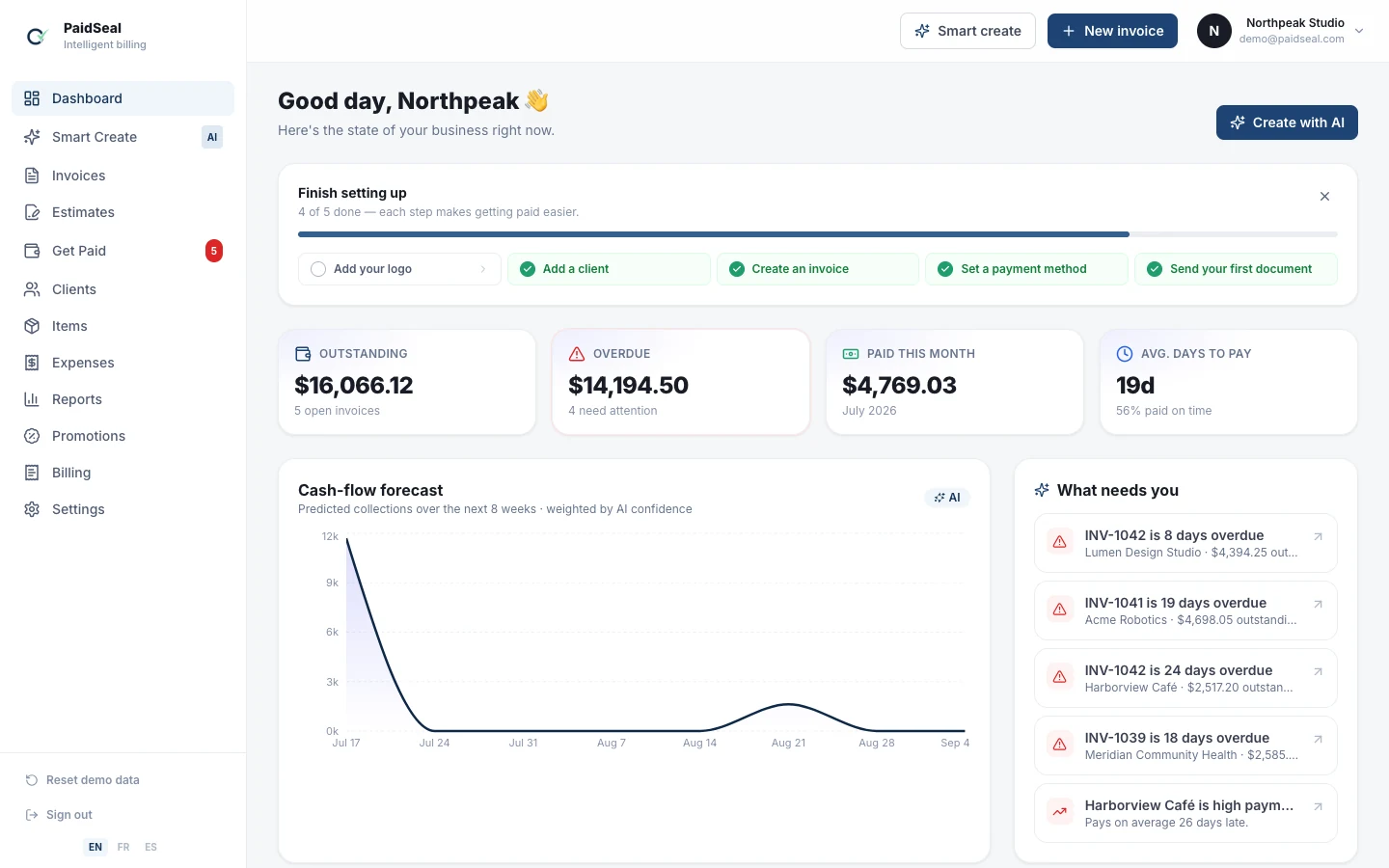
Drafting. Describe the job in one sentence, by typing or by voice, and PaidSeal writes the invoice: client, line items, quantities, rates, tax and terms. Zoho asks you to fill the form.
Reading receipts. Photograph a supplier receipt and PaidSeal extracts the merchant, date, total and tax and books the expense.
Languages. PaidSeal is built in English, French, Spanish and German throughout, not translated at the edges, and your client sees the pay page in their own language.
Cost, honestly
Zoho Invoice free is free. PaidSeal has a free plan that sends real invoices with working payment links, and Pro at 10 USD a month adds Smart Create, receipt scanning and automated reminders.
On the money your customers send you, neither company takes a percentage: both pass you through to a payment processor, and you pay that processor’s published rate. PaidSeal’s platform fee is 0% on every plan and the funds settle into your own Stripe or PayPal account rather than ours. Check each company’s current pricing page before you decide, because published rates change.
How to choose in one minute
- Clients pay by card or bank transfer, you want to spend nothing, you are fine with forms: Zoho Invoice.
- You already use Zoho CRM or Books: Zoho Invoice.
- Any client pays by Venmo, Cash App, Zelle, mobile money or a local deposit: PaidSeal.
- You bill in more than one language, or outside Zoho’s gateway coverage: PaidSeal.
- You write a lot of invoices and want them drafted for you: PaidSeal.
Both have a free tier, so the cheapest way to decide is to send one real invoice with each.
Frequently asked questions
- Is Zoho Invoice really free?
- Its free tier is genuinely free for invoicing, with usage caps and a single user. It also acts as an entry point to Zoho’s paid products, which is a reasonable trade.
- Can Zoho Invoice accept Venmo, Cash App, Zelle or mobile money?
- Not as built-in payment methods on an invoice. PaidSeal supports those directly, and lets you add any other local method by describing it.
- Does PaidSeal take a percentage of my invoice payments?
- No. The platform fee is 0% on every plan. Money settles to your own Stripe or PayPal account and you pay only your processor’s rate.
- Which is better for a freelancer billing a handful of clients?
- If they all pay by card, either works and Zoho costs nothing. If even one pays another way, PaidSeal saves you the off-platform workaround.
Create a free invoice now